Wednesday, October 9th, 2013

Sony FCB-EX20DP(FCBEX20DP) SONY CCD COLORS Camera From skycneye.com

The FCB-EX20D/EX20DP incorporates a newly designed 1/3-type Super HAD CCD II sensor that provides superb increased sensitivity (minimum illumination of 0.25lx) compared to cameras featuring the successful ¼ Super HAD™ CCD. This feature rich versatile sony CCTV cameras block re-sets the standard for camera block technology.
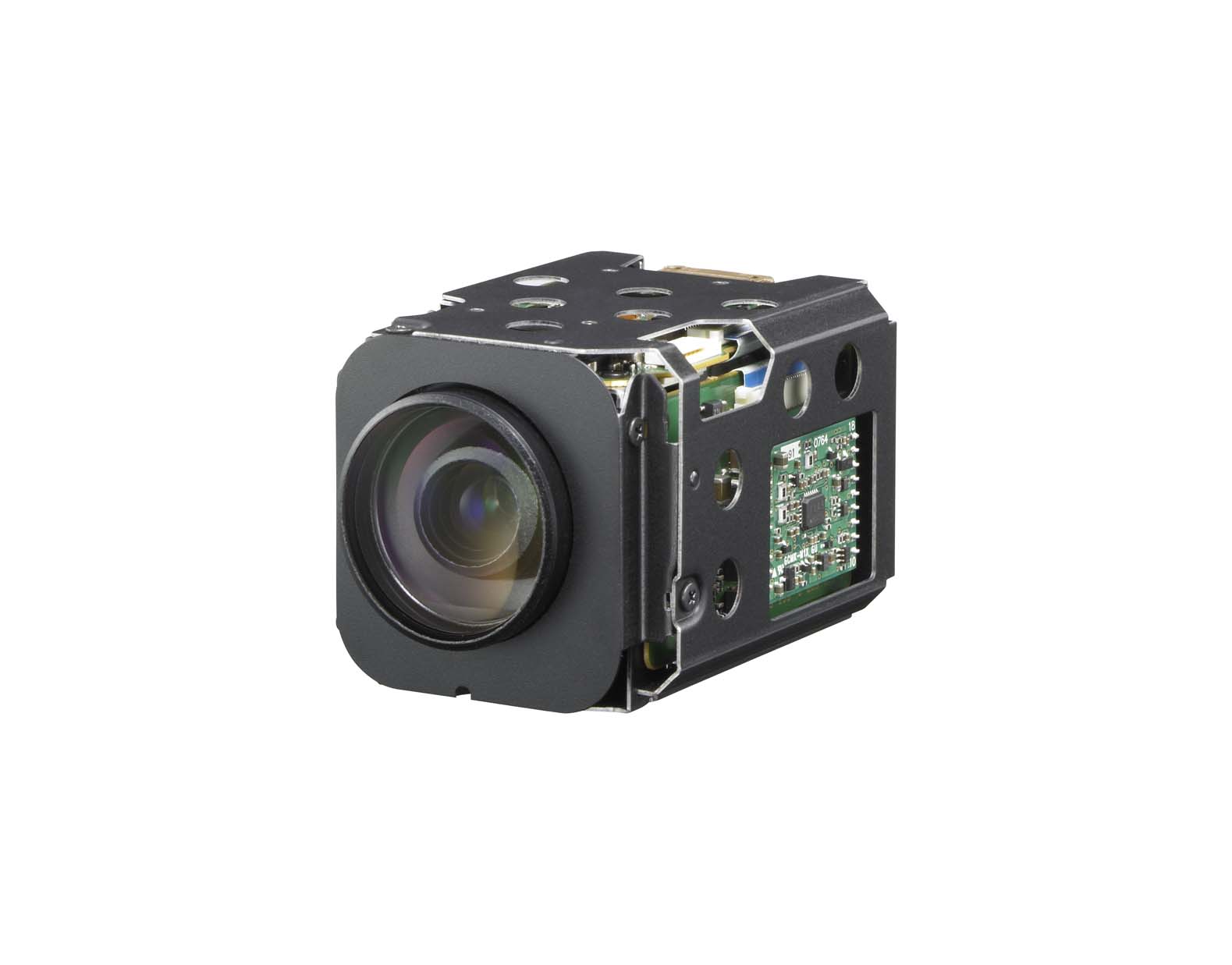


Sony continues to add choice and flexibility to its FCB Series with the introduction of FCB-EX20DP and FCB-EX20DP cameras. The FCB-EX20D/EX20DP incorporates a newly designed 1/3-type Super HAD CCD II sensor that provides increased sensitivity compared to cameras featuring the successful ¼ Super HAD™ CCD.


The camera can operate under a minimum illumination of 0.25 lx. When combining Sony’s advanced Digital Signal Processing technology with this new CCD, the FCB-EX20D/EX20DP achieves a horizontal resolution of 530 TV lines, providing extremely clear and detailed images. Featuring a Day/Night function, the camera offers optimized sensitivity in changing light conditions, which is a typical challenge for 24/7/365 surveillance monitoring applications. In addition, the camera provides an extremely wide horizontal angle of view (5.4° to 50°) with a 120x zooming capability for exceptionally close inspection to capture detailed information. Moreover, to further improve Sony Camera Module performance, the FCB-EX20D/EX20DP offers a number of sophisticated functions such as advanced spherical privacy zone masking with a mosaic effect, video motion detection, multi-line on-screen display, and slow AE function.


SPECIFICATIONS:


  • * Backlight Compensation: On/Off

  • * Character Generator: Mode display On/Off (White Balance, Gain, etc.) Title display Max 11 lines (20 characters/ lines)

  • * Digital Zoom: 12x (120x with optical zoom)

  • * EV Compensation: -10.5 to 10.5 dB (1.5 dB steps)

  • * Effective Pixels: Approx. 380,000 pixels

  • * Electronic Shutter: 1/1 to 1/10,000 s, 22 steps

  • * Flicker Cancel: Auto

  • * Focus System: Auto (Sensitivity, normal, low), One-push AF, Manual, Infinity,Interval AF, Zoom trigger AF

  • * Gain: Auto / Manual (-3 to 28 dB, 2dB steps)

  • * Horizontal Viewing Angle: 50º.0 (wide end) to 800 mm (tele end)

  • * Image Device: 1/3 type Super HAD CCD

  • * Lens Mount: 10x Optical Zoom (f=5.1mm wide to 51.0mm tele) F1.8 to F2.1

  • * Minimum Object Distance: 15mm (wide end) to 800 mm (tele end)

  • * Picture Effects: E-Flip, Nega Art, Black & White, Mirror Image

  • * Privacy Zone Masking: On / Off (24 position, 8 position per screen, 14 colors & mosaic)

  • * Sync System: Internal/External (V-lock)

  • * White Balance: Auto, ATW, Indoor, Outdoor, One-push, Manual


  • From:http://share-fine-news-with-friends.2330430.n4.nabble.com/Sony-FCB-EX20DP-FCBEX20DP-SONY-CCD-COLORS-Camera-From-skycneye-com-td15.html
    (Leave a comment)

    Sunday, September 22nd, 2013

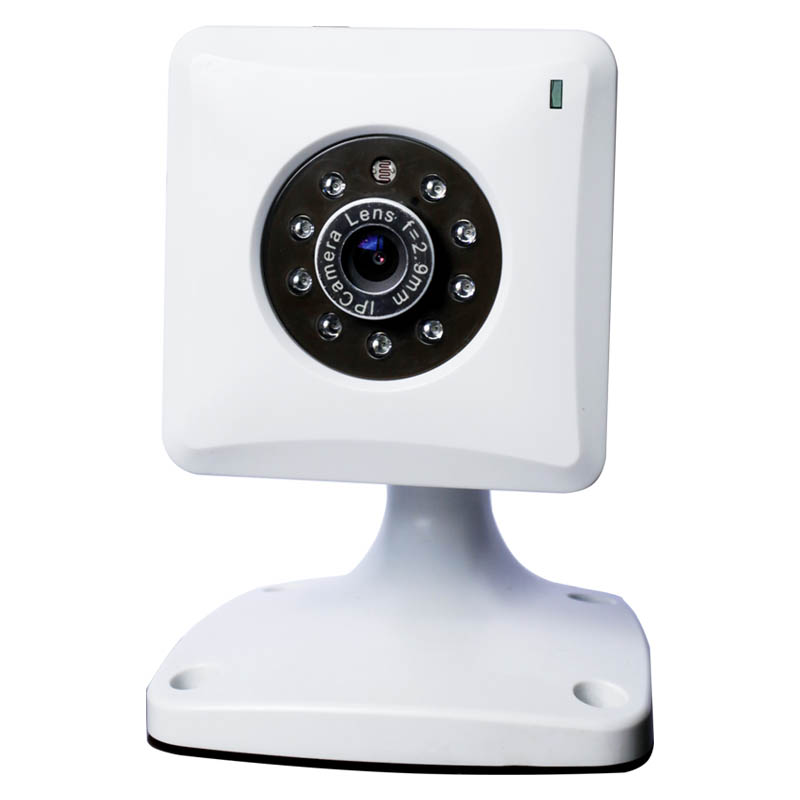
    Install a Home Security Camera


    A home security camera can give you peace of mind that your house is safe, even when you are on vacation or on a business trip. You can connect it to the Internet to check the video feed from your laptop, PDA, or cell phone.


    Boot up your computer and insert the CD ROM that came with your kit. Follow the instructions on the screen to install the software.


    Set up your security camera to view the area you want to protect. Most cameras will need mounting screws to secure them. However, some use adhesive strips to attach them to a wall or a smooth, flat surface.


    Connect the camera to an electrical outlet or other power source. Some Sony Camera Module run on solar power and need to be positioned in an area where they can get consistent light. Others will need batteries or to be plugged into a power source.


    Connect your camera to the wireless video transmitter that comes with the kit.


    Connect the receiver to your computer using a USB port. You will be able to see what the camera sees now.


    Download additional camera-to-Internet security software,sony FCB-EX1010P. This will allow you to view your video feed online (see Resources below) using a computer, smart phone or PDA. Install it following the instructions.


    Configure the program by opening it and creating names for the cameras. Give them simple names like "Living Room" and "Front Door" or "Camera 1, 2 and 3." Click on "Connect" and “Finish.”


    Go to the website where you downloaded the camera-to-Internet FCB-EX1010P software using your smart phone, computer or PDA. You will now be able to view any of your camera feeds.


    From:http://www.indyarocks.com/blog/1477938/Install-a-Home-Security-Camera
    (Leave a comment)